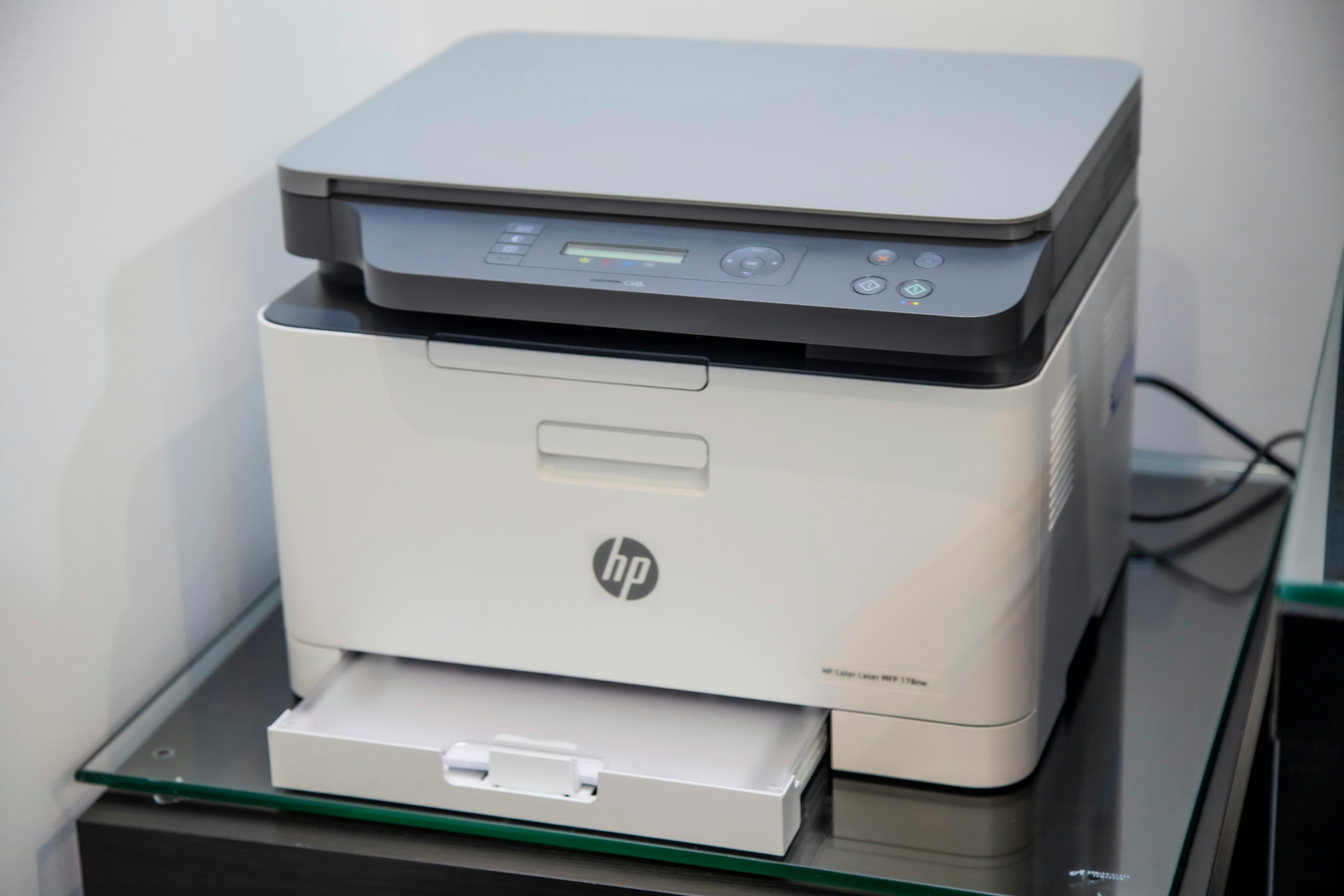

Shop software

Printer Repair Software

Shop software for printer and office device repair

Printer Repair — shop overview

Manage printer and MFP repair with tickets, parts, service contracts, and customer updates. Built for shops that fix lasers, inkjets, and office machines — with parts and labor on every job.

Get started free
Printer Repair shop software
Shop workflows

How the software fits your shop

The tools printer repair shops use every day — tickets, parts, and customer updates in one workflow.

Service tickets

Service tickets

Manage service tickets for your printer shop without switching tools.

  • Error codes on the ticket
  • Parts used per visit
  • Warranty / contract flags
Fusers, rollers, and kits

Fusers, rollers, and kits

Manage fusers, rollers, and kits for your printer shop without switching tools.

  • Kit inventory
  • Supplier links
  • Low-stock alerts
Business and walk-in customers

Business and walk-in customers

Manage business and walk-in customers for your printer shop without switching tools.

  • SMS updates
  • Estimate approval
  • Pickup notifications

Common jobs your shop handles

Paper jams and pickup rollersFuser and drum replacementsBoard and power failuresConnectivity / firmware triageMaintenance kit installs

Why printer repair shops need dedicated shop software

Printer and MFP repair mixes error codes, maintenance kits, fusers, and office accounts that want status without calling five times. Notebooks and generic POS lose the plot when one machine needs a fuser kit and another is waiting on a board. Printer repair software should keep intake, parts, labor, and customer updates on one ticket.

LML Repair Shops is built by operators who run repair businesses. Tickets, inventory, SMS, and payments live in one platform for service workflows — not just selling toner at the counter.

Common printer services we help you track

  • paper path and pickup-roller service
  • fuser, drum, and maintenance kit installs
  • board and power-supply diagnostics
  • connectivity and firmware triage notes
  • contract / warranty flags for business accounts
  • walk-in inkjet and laser repairs

Each job gets a ticket with status, assigned tech, parts used, and customer-facing updates. The counter knows whether a machine is waiting on a kit, in testing, or ready for pickup.

Workflow for walk-ins and office accounts

Shops that scale use a repeatable flow:

  • Capture brand/model, error codes, and accessories at intake
  • Separate diagnostic fees from kit/labor approval clearly
  • Track high-velocity SKUs (rollers, fusers, kits) against tickets
  • Send automated SMS when estimates are ready and when ready for pickup

Intake checklist for printer repairs

  • Customer contact and notification preferences
  • Brand, model, and error code / symptom
  • Business account vs walk-in
  • Deposit or diagnostic fee when applicable
  • Estimated completion window communicated upfront

Bench and parts coordination

Technicians update ticket status from any device. Parts pulled for a job decrement inventory so you are not guessing which fuser or kit is left. When a board is special-order, the ticket stays open with a clear status instead of living in a pile of machines.

Metrics independent printer shops should watch

  • Average turnaround by job type (kit vs board)
  • Parts margin per ticket
  • Comeback rate on jam and fuser jobs
  • Diagnostic-to-approval conversion for business accounts

Get started

Ready to run printer jobs on tickets instead of sticky notes? Start your free trial or explore all features.

Extended guide for Printer Repair repair shop software

Built for shop owners

Run your printer repair shop with less chaos

Run your printer shop without losing track of jobs, parts, or customers. Software that fits how your shop actually runs.

Repair Tracking

Inventory Management

Customer Portal

Warranty Tracking

Financial Analytics

Service Scheduling

Typical job turnaround

Benchmarks your customers expect — track them on every ticket.

Initial Setup

2-3 hours

Data Migration

1-2 days

Team Training

1 day

Free trial

Ready to run printer repair on one system?

Get started free request — no credit card required. Our team will follow up to get your shop configured.

Full platform access

Tickets, customers, inventory, and invoicing during trial

Built for your vertical

Workflows that fit printer repair shops

Guided onboarding

We help you get set up so you can test real shop workflows

Get started free

One request form for all trials — so we can review your shop and follow up quickly.

Get startedView pricing first